

|

 Send Inquiry
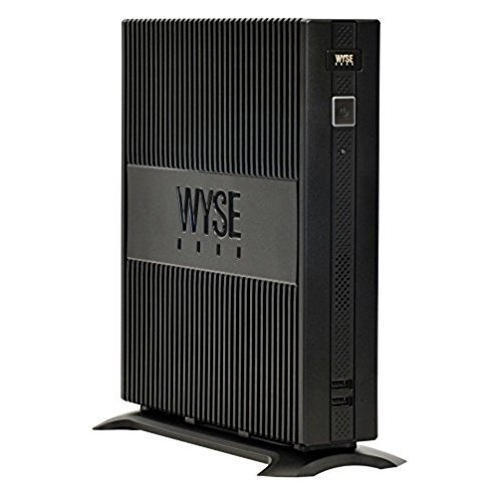
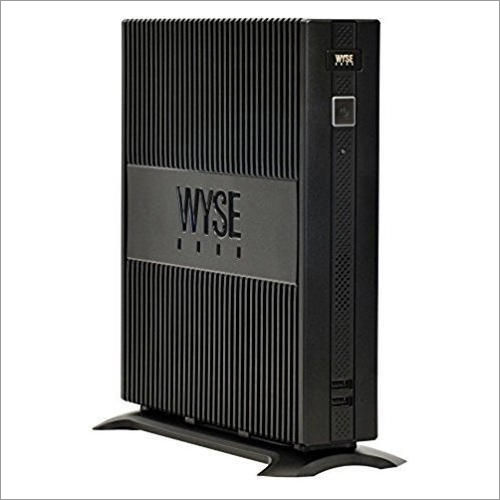
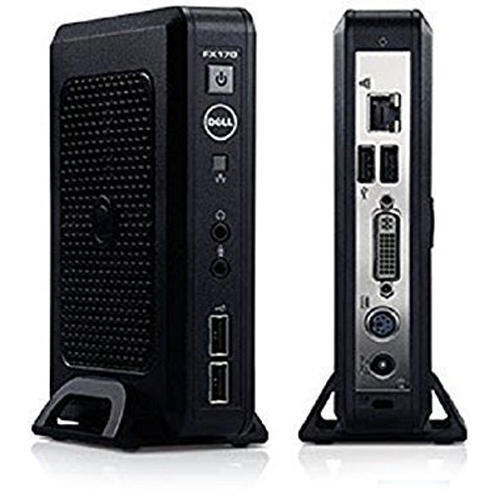
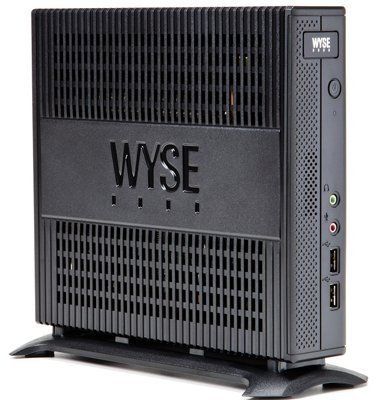
DELL 3040 tiny mini PC 6th 4GB DDR3 RAM 128GB SATA SSD
Price 16500 INR/ Thousand
DELL 3040 tiny mini PC 6th 4GB DDR3 RAM 128GB SATA SSD Specification
- Dimension (L*W*H)
- 182 mm x 36 mm x 178 mm
- Humidity
- 10% - 90% (non-condensing)
- Equipment Type
- Computer Mini PC
- Usage
- Desktop computing, Office, Education
- Product Type
- Tiny Mini PC
- Technique
- Injection Moulding
- Process
- Pre-assembled, Ready to use
- IP Rating
- Not Rated
- Temperature
- 0C to 35C (Operating)
- Frequency
- 50-60 Hz adapter compatible
- Application
- Home, School, Office, Business
- Surface Treatment
- Anti-scratch finish
- Processing
- Intel Core i3 6th Gen Processor
- Service Period
- 1 Year Warranty
- Color
- Black
- Tolerance
- Standard electronic equipment tolerance
- Material
- Plastic, Metal
- Input Voltage
- 100-240V AC, 50-60Hz
- Output Voltage
- 19.5V
- Mounting Type
- VESA Mount/Desk Placement
- Weight
- 1.18 kg (approx)
- Supply Voltage
- 19.5V DC Adapter
- Size
- Ultra Small Form Factor
- Installation Guideline
- Place on desktop or mount behind monitor using VESA mount
- Thickness
- Standard casing thickness
- Design
- Compact, Sleek
- Standard
- ISO Certified Manufacturing
- Finish
- Matte
- Power Supply
- External 65W adapter
- Ethernet
- 1 x RJ45 (Gigabit LAN)
- Audio Output
- Headphone/Microphone Combo Jack
- Cooling
- Active Fan Cooling
- Memory
- 4GB DDR3L RAM
- Security
- Kensington Lock Slot
- Operating System
- Supports Windows 10, Ubuntu Linux (OS Not Pre-installed)
- Display Output
- 1 x HDMI, 1 x DisplayPort
- Graphics
- Integrated Intel HD Graphics 530
- USB Ports
- 6 x USB (2 x USB 3.0 Front, 2 x USB 3.0 Rear, 2 x USB 2.0 Rear)
- Wireless Connectivity
- Optional Wi-Fi (via M.2 slot)
- Expansion Slots
- 1 x M.2 slot, 1 x 2.5" SATA bay
- Processor
- Intel Core i3-6100T, 6th Gen
- Storage
- 128GB SATA SSD
About DELL 3040 tiny mini PC 6th 4GB DDR3 RAM 128GB SATA SSD
OptiPlex 3040 simplifies business computing with best-in-class security and manageability in new, smaller energy-efficient designs-Mini Tower, Small Form Factor and Micro Form Factor.Available with up to 6th Gen Intel Core i5 Processors, Intel Integrated graphics, and Dell Client Command Suite tools for time-saving systems management, OptiPlex 3040 provides excellent value at an entry-level price.
Enhance these features with purpose-built Dell accessories such as award winning monitors, custom-designed cable covers, and a variety of Micro mounts for a complete computing experience; all backed by outstanding 24x7 ProSupport Plus
| FEATURE | SPECIFICATION |
|---|---|
| Processor type |
|
| Total cache | Up to 8 MB cache depending on processor type |
| FEATURE | SPECIFICATION | |
|---|---|---|
| Type | DDR3L | |
| Speed | 1600 MHz | |
| Connectors | Two UDIMM slots | |
| Memory modulecapacity | 2 GB,4 GB and 8 GB | |
| Minimum memory | 2 GB NOTE:Theminimum memory may differ based on the operating system installedon the computer. |
|
| Maximum memory | 16 GB NOTE:EachUDIMM slot supports a minimum of 4 GB and a maximum of 8 GB. |
|
| FEATURE | SPECIFICATION |
|---|---|
| Integrated | Intel HD Graphics 530 / 510 |
| Discrete | PCI Express x16 graphics adapter |
| FEATURE | SPECIFICATION |
|---|---|
| Integrated | Realtek HDA Codec ALC3234 |
| FEATURE | SPECIFICATION |
|---|---|
| Integrated | Realtek RTL8111HSD-CG Gigabit Ethernet LAN 10/100/1000 Mb/s controller |
| FEATURE | SPECIFICATION |
|---|---|
| System chipset | Intel H110 |
| DMA channels | Two 8237 DMA controllers with seven independentlyprogrammable channels |
| Interrupt levels | Integrated I/O APIC capability with 24 interrupts |
| BIOS chip (NVRAM) | 16 MB |
| FEATURE | SPECIFICATION |
|---|---|
| Bus type | PCIe gen3 (x16), USB 2.0, and USB 3.0 |
| Bus speed | PCI Express:
|
| SATA: 1.5 Gbps, 3.0 Gbps, and 6 Gbps |
| FEATURE | SPECIFICATION | |
|---|---|---|
| PCI express x1 | Full height card | |
| PCI express x16 | Full height card | |
| FEATURE | SPECIFICATION | |||
|---|---|---|---|---|
| Externally accessible(5.25-inch drive bays) | Two | |||
| Optical drive | One | |||
| FEATURE | SPECIFICATION | |
|---|---|---|
| Audio | ||
| Front panel | Universal Audio Jack | |
| Back panel | Line out connector | |
| Network adapter | RJ-45 connector | |
| Serial | 9-pin connector; 16550 C compatible (optional) | |
| Parallel | 25-pin connector (optional) | |
| USB 2.0 |
|
|
| USB 3.0 |
|
|
| Video |
NOTE:Availablevideo connectors may vary based on the graphics card selected. |
|
| Keyboard and mouse | Back panel:
|
|
| FEATURE | SPECIFICATION | |
|---|---|---|
| PCI Express x1data width (maximum) one PCI Express lane | 36-pin connector | |
| PCI Express x16data width (maximum) 16 PCI Express lanes | 164-pin connector | |
| Serial ATA | Three 7-pin connectors | |
| Memory | Two 240-pin connectors | |
| Internal USB | 10-pin connector | |
| System fan | 4-pin connector | |
| Front panel control | 5-pin connector | |
| Processor | 1151-pin connector | |
| Processor fan | 4-pin connector | |
| Service mode/Passwordclear/RTC reset jumper | 6-pin connector | |
| Internal speaker | 4-pin connector | |
| Intruder connector | 3-pin connector | |
| Power connector |
One 8-pin for PSU, one 4-pin for CPU, one 8-pin for SATA power |
|
| FEATURE | SPECIFICATION | |
|---|---|---|
| Front of the computer | ||
| Power button light | White light Solid white light indicates power-onstate; slow blinking white light indicates sleep state of the computer. | |
| Drive activity light | White light Slow blinking white light indicatesthat the computer is reading data from or writing data to the harddrive. | |
| Back of the computer | ||
| Link integrity light on integrated network adapter |
|
|
| Network activity light on integrated network adapter | Yellow light A blinking yellow light indicatesthat network activity is present. | |
| Power supply diagnostic light | Green light The power supply is turned on andis functional. The power cable must be connected to the power connector(at the back of the computer) and the electrical outlet. | |
|
NOTE: HEAT DISSIPATION ISCALCULATED BY USING THE POWER SUPPLY WATTAGE RATING. |
|||
|---|---|---|---|
| POWER | WATTAGE | MAXIMUM HEAT DISSIPATION | VOLTAGE |
| 240 W | 819.00 BTU/hr | 100 V AC to 240 V AC, 50 Hz to 60 Hz, 4A/2A | |
| Coin cell battery | 3 V CR2032 lithium coin cell | ||
| FEATURE | SPECIFICATIONS |
|---|---|
| Height | 350.00 mm (13.77 inches) |
| Width | 154.00 mm (6.06 inches) |
| Depth | 274.00 mm (10.78 inches) |
| Weight | 8.00 kg (17.64 lb) |
| FEATURE | SPECIFICATION | |
|---|---|---|
| Temperature range | ||
| Operating | 5C to 35C (41F to 95F) | |
| Storage | 40C to 65C (40F to 149F) | |
| Relative humidity(maximum) | ||
| Operating | 20 percent to 80 percent (non-condensing) | |
| Storage | 5 percent to 95 percent (non-condensing) | |
| Maximum vibration | ||
| Operating | 0.26 Grms | |
| Storage | 2.20 Grms | |
| Maximum shock | ||
| Operating | 40 G | |
| Storage | 105 G | |
| Altitude | ||
| Operating | 15.2 m to 30482000 m (50 to 10,0006560 ft) | |
| Storage | 15.20 m to 10,668 m (50 ft to 35,000 ft) | |
| Airborne contaminant level | G1 or lower as defined by ANSI/ISA-S71.04-1985 | |
Compact Design and Versatility
Engineered with an ultra-small form factor, the DELL 3040 Tiny Mini PC seamlessly fits onto any desk or can be mounted behind monitors using a VESA mount. Its sleek, matte finish and anti-scratch surface ensure lasting durability, while its modest footprint makes it ideal for space-constrained environments such as classrooms, small offices, or busy home setups.
Efficient Performance for Everyday Tasks
Powered by a 6th Gen Intel Core i3-6100T processor, this mini PC delivers dependable speed and energy efficiency for routine computing tasks. Whether you're browsing the web, managing productivity software, or streaming media, the combination of 4GB DDR3L RAM and a responsive 128GB SSD provides smooth, lag-free operation.
Flexible Connectivity and Expandability
The DELL 3040 offers multiple expansion and usage options, featuring six USB ports, HDMI and DisplayPort for dual displays, a headphone/microphone combo jack, and Gigabit Ethernet for reliable networking. With an additional M.2 slot for optional Wi-Fi and a 2.5" SATA bay, users can further enhance wireless connectivity and storage capacity as needed.
FAQ's of DELL 3040 tiny mini PC 6th 4GB DDR3 RAM 128GB SATA SSD:
Q: How do I install or set up the DELL 3040 Tiny Mini PC?
A: To install the DELL 3040 Tiny Mini PC, you can place it directly on your desk or use a VESA mount to attach it behind your monitor for a clean, space-saving setup. Connect the power adapter, monitor, keyboard, mouse, and Ethernet cable (or Wi-Fi via the M.2 slot, if available). Once connected, you're ready to install your preferred operating system, such as Windows 10 or Ubuntu Linux.Q: What type of tasks is this mini PC best suited for?
A: The DELL 3040 Tiny Mini PC excels at everyday desktop computing tasks like web browsing, office productivity software, online education, casual multimedia consumption, and light business applications. Its compact design and efficient hardware make it ideal for home, educational, and office settings.Q: When should I consider upgrading the storage or memory on this PC?
A: You should consider upgrading the storage or memory if you need additional space for files or require more RAM for running multiple or heavier applications. The PC features a 2.5" SATA bay for an upgraded drive and an M.2 slot for storage or Wi-Fi expansion, allowing flexible upgrades as your needs grow.Q: Where can I place the DELL 3040 Mini PC for optimal use?
A: The DELL 3040 Mini PC can be conveniently placed on your desk or mounted behind a monitor using the VESA mounting option. Its ultra-small form factor is designed to fit seamlessly into limited spaces in homes, offices, classrooms, or business environments.Q: What are the benefits of opting for a DELL 3040 Tiny Mini PC?
A: Choosing the DELL 3040 Tiny Mini PC brings several benefits, including reliable daily performance, a compact footprint for increased workspace efficiency, versatile connectivity options, and robust build quality with anti-scratch finish. Additionally, it supports both Windows and Ubuntu Linux, fits tight budgets, and comes with a one-year warranty.Q: How does the active fan cooling system help the device's operation?
A: The active fan cooling system ensures the DELL 3040 Mini PC runs efficiently at optimal temperatures, minimizing thermal throttling. This maintains stable performance and prolongs the lifespan of critical components even during intensive operation or in warmer environments.Q: Is the DELL 3040 Tiny Mini PC covered by a manufacturer's warranty?
A: Yes, the DELL 3040 Tiny Mini PC includes a one-year warranty from the manufacturer, covering standard electronic equipment tolerance. This provides peace of mind and dependable service support should any issues arise during the warranty period.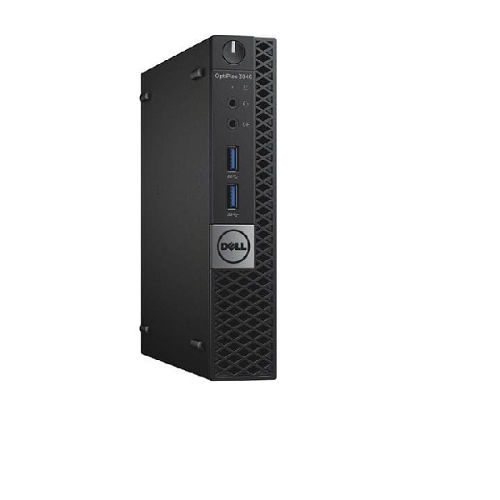

Price:
- 50
- 100
- 200
- 250
- 500
- 1000+

More Products in Dell mini PC Category
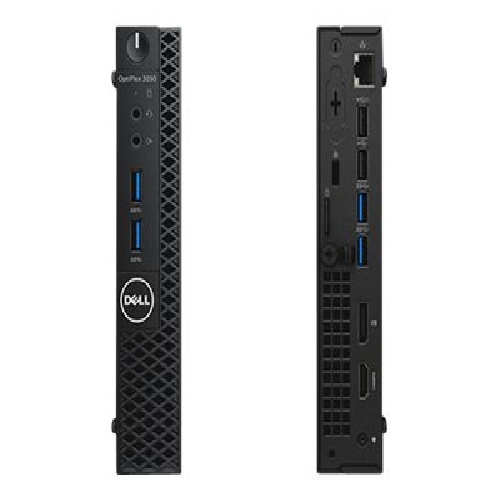
DELL 3050 tiny mini PC I3 6th Gen and 7th Gen 4GB DDR3 RAM 128GB SATA SSD
Price 16500 INR / Thousand
Minimum Order Quantity : 1 Unit
Dimension (L*W*H) : 18.2 x 3.6 x 17.8 cm
Humidity : 20% 80% (noncondensing)
Equipment Type : Mini PC
Product Type : Tiny Mini PC
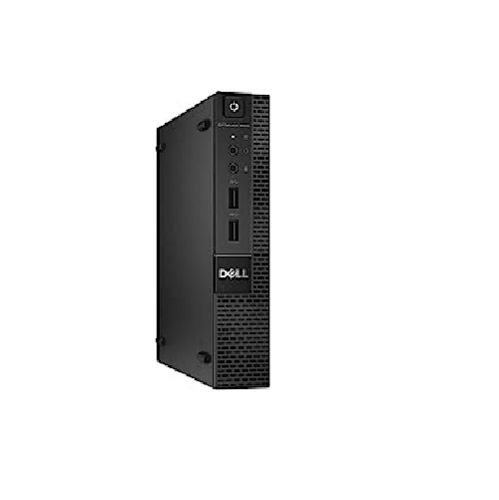
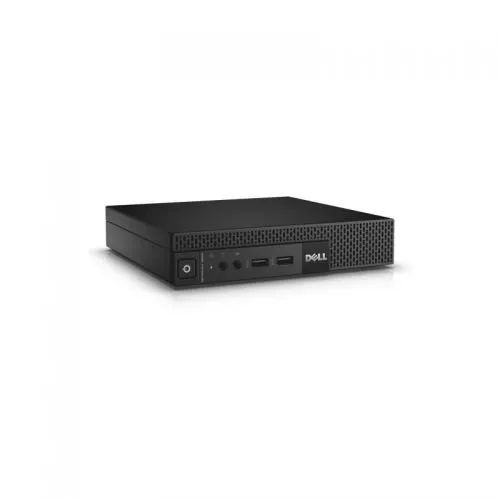
DELL 9020 tiny mini PC 4GBDDR3 RAM 128GB SATA SSD
Price 10500 INR / Thousand
Minimum Order Quantity : 1 Unit
Dimension (L*W*H) : Approx. 18.2 x 17.8 x 3.6 cm
Humidity : Operating 20%80% (Noncondensing)
Equipment Type : Mini PC
Product Type : Tiny Mini PC
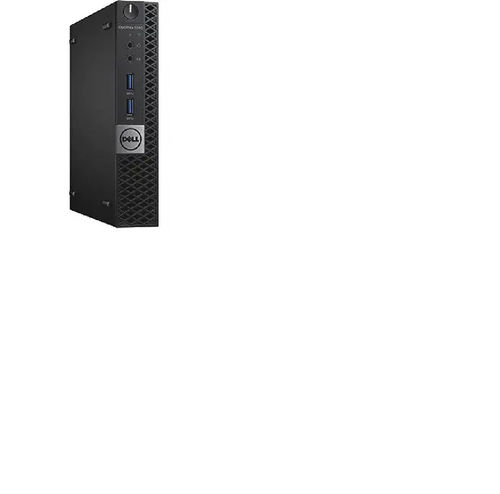
DELL 3040 tiny mini PC I3 6th 4GB DDR3 RAM 128GB SATA SSD
Price 16500 INR / Thousand
Minimum Order Quantity : 1 Unit
Dimension (L*W*H) : 18.2 x 3.6 x 17.8 cm
Humidity : 20% 80% (noncondensing)
Equipment Type : Mini Desktop PC
Product Type : Tiny Mini PC
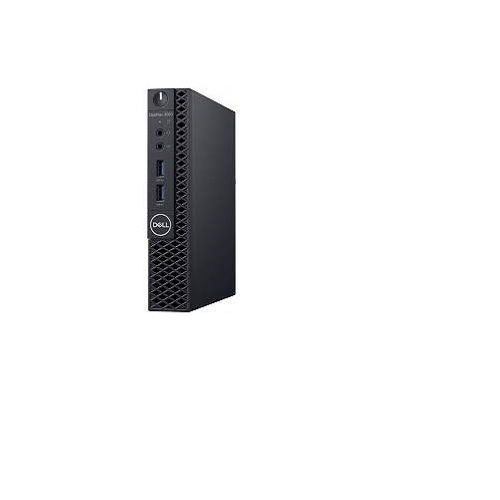
DELL 3060 tiny mini PC 8th Gen 4GB DDR3 RAM 128GB SATA
Price 18500 INR / Thousand
Minimum Order Quantity : 1 Unit
Dimension (L*W*H) : 18.2 x 3.6 x 17.8 cm
Humidity : 1090% noncondensing
Equipment Type : Desktop Mini PC
Product Type : Tiny Mini PC



Contact Details
GST : 27AADFE8057C1ZK
 Send Inquiry
 |
EGREEN TECH
All Rights Reserved.(Terms of Use) Developed and Managed by Infocom Network Private Limited. |
